
FOR IPHONE & IPAD
A ruler.
Right on
your screen.
Move two guides to check a length. Switch between centimeters and inches, and calibrate with a physical reference.
Learn to calibrateFree · Coming to the App Store
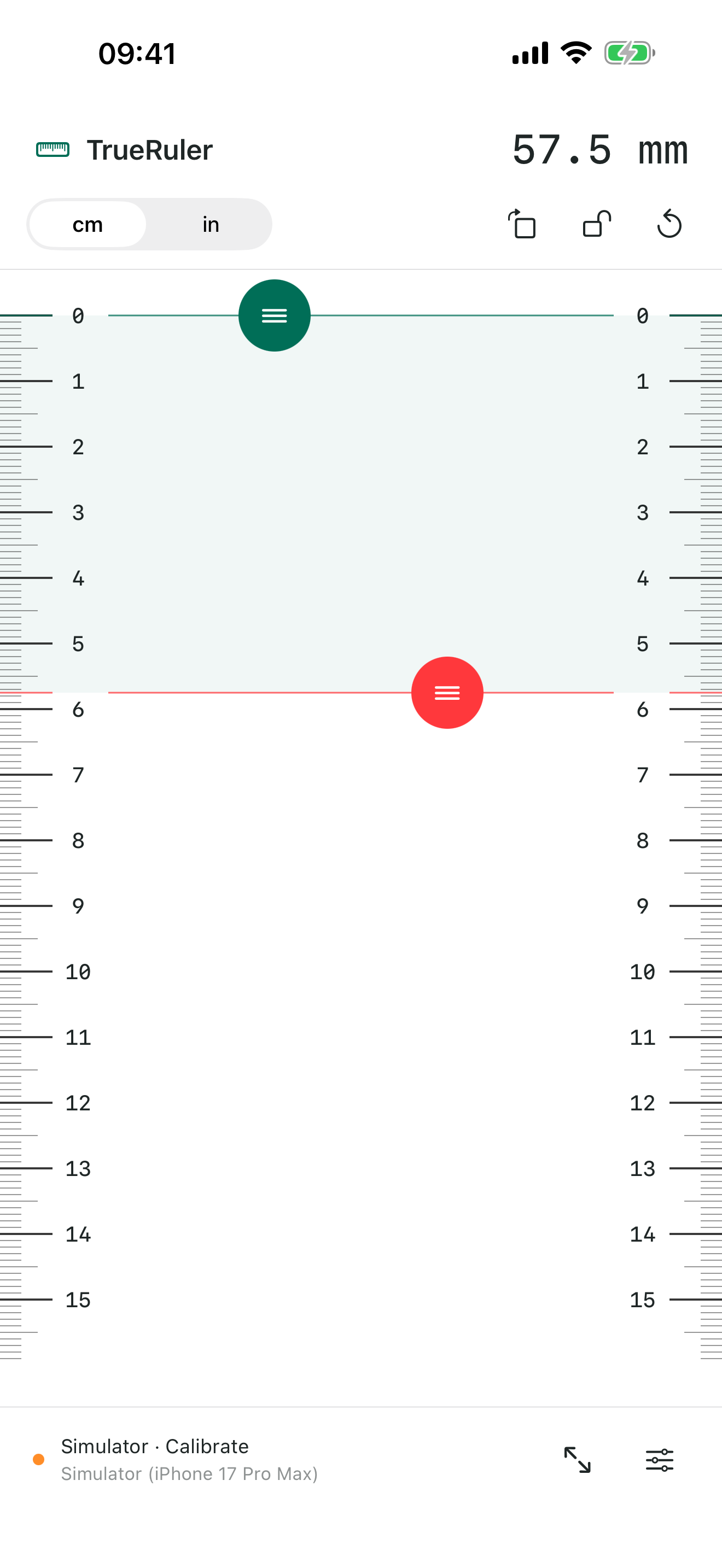
cm / inTwo scales↔ / ↕Two directionsOn-deviceSaved calibration
01 / MAKE ROOM TO MEASUREA scale that fits
A scale that fits
the task at hand.
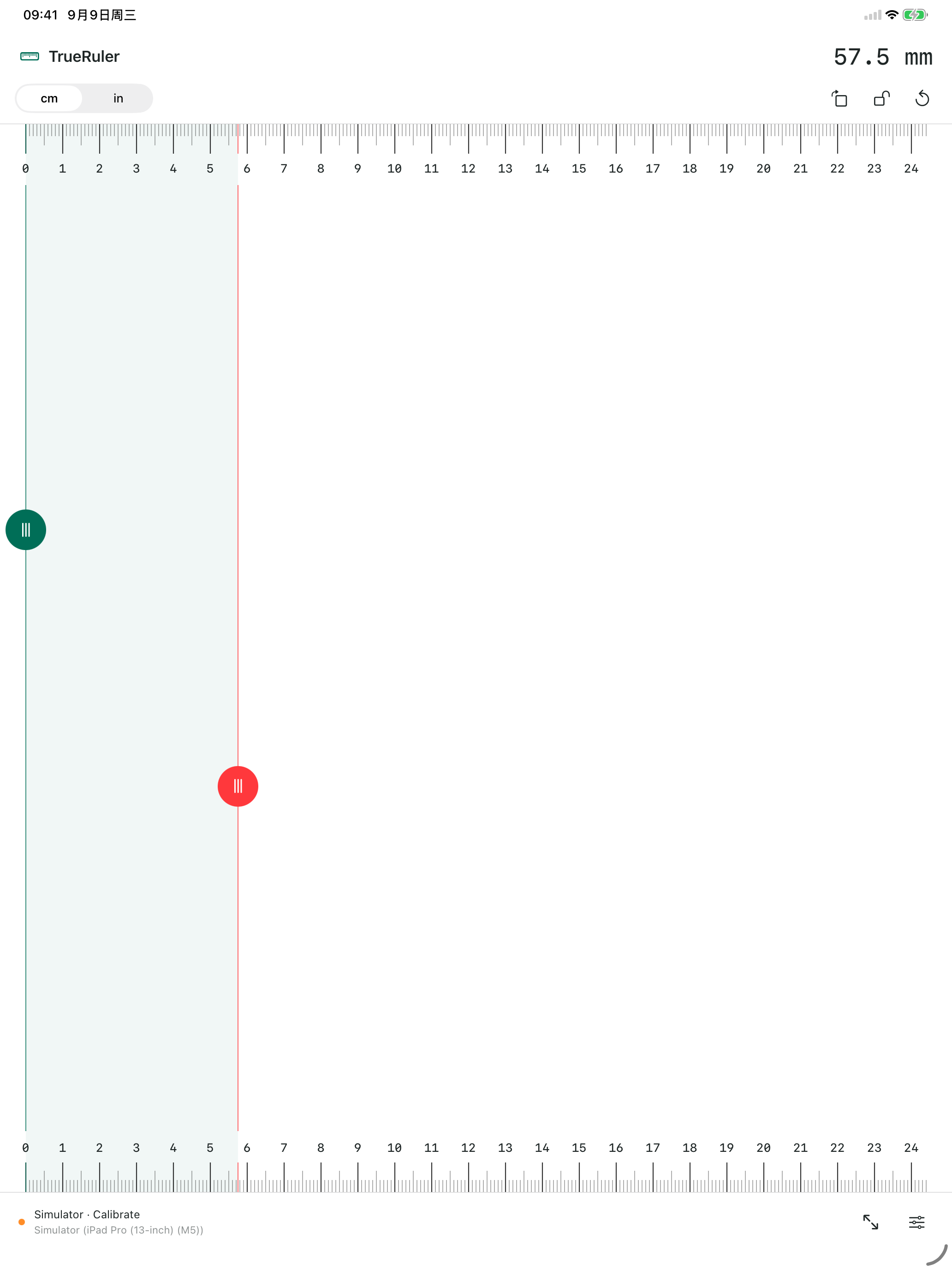
Use millimeter divisions or 1/16-inch divisions. Switch direction or expand to full screen, then move the guides to the ends of your object.
02 / CHECK IT AGAINST THE REAL THINGA physical reference.
A physical reference.
A scale you can adjust.
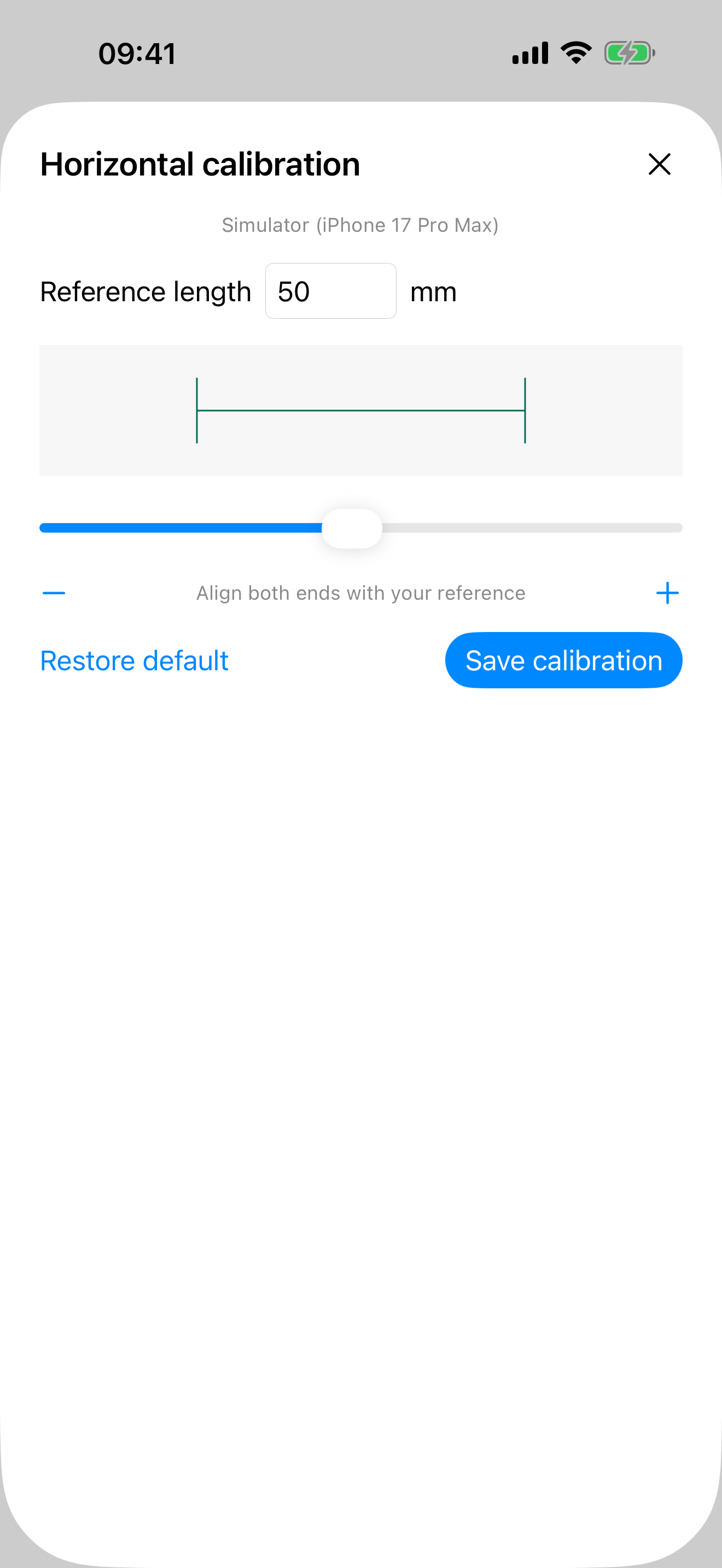
Enter a known length and adjust the reference line to match a physical ruler. Save each direction separately. Measuring needs no account or internet connection.
See the calibration steps →Check the scale against a physical ruler before first use and after changing display settings. Actual accuracy depends on your device and calibration; decimal places do not indicate certified measurement accuracy.